
Meals & nutrition
Photos, portions, and nutrition estimates, reviewed by you before they become part of your day.
Explore feature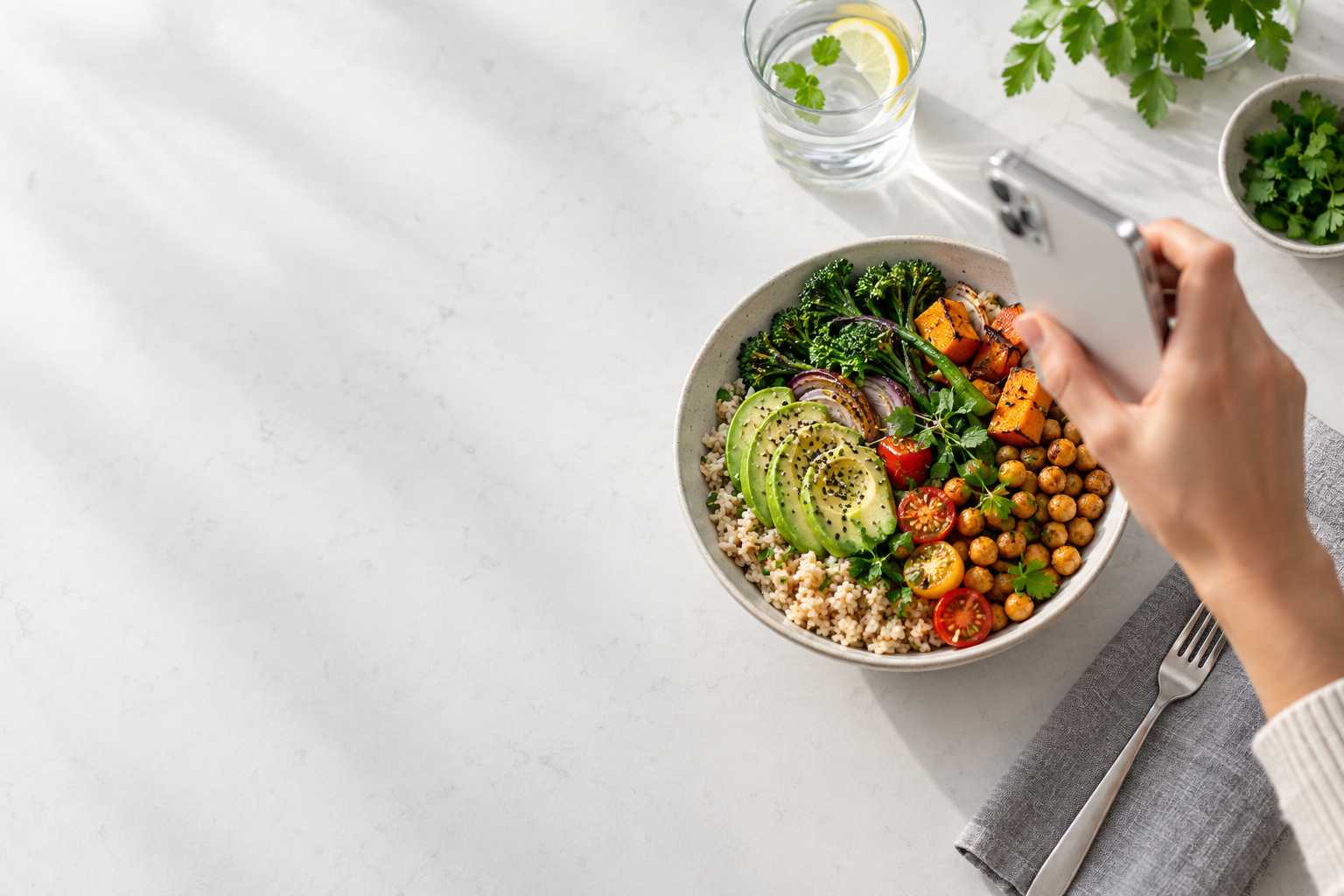
Capture a meal. Review the details. Bring a little more context to your everyday routines.
Follow a mealWatch how MyCalAgent helps users log meals, track nutrition, and stay consistent — all with minimal effort.
Download the app
Tap to play/pause • Click fullscreen for immersive experience
A useful log starts with your perspective. AI assists with the estimate; you decide what gets saved.
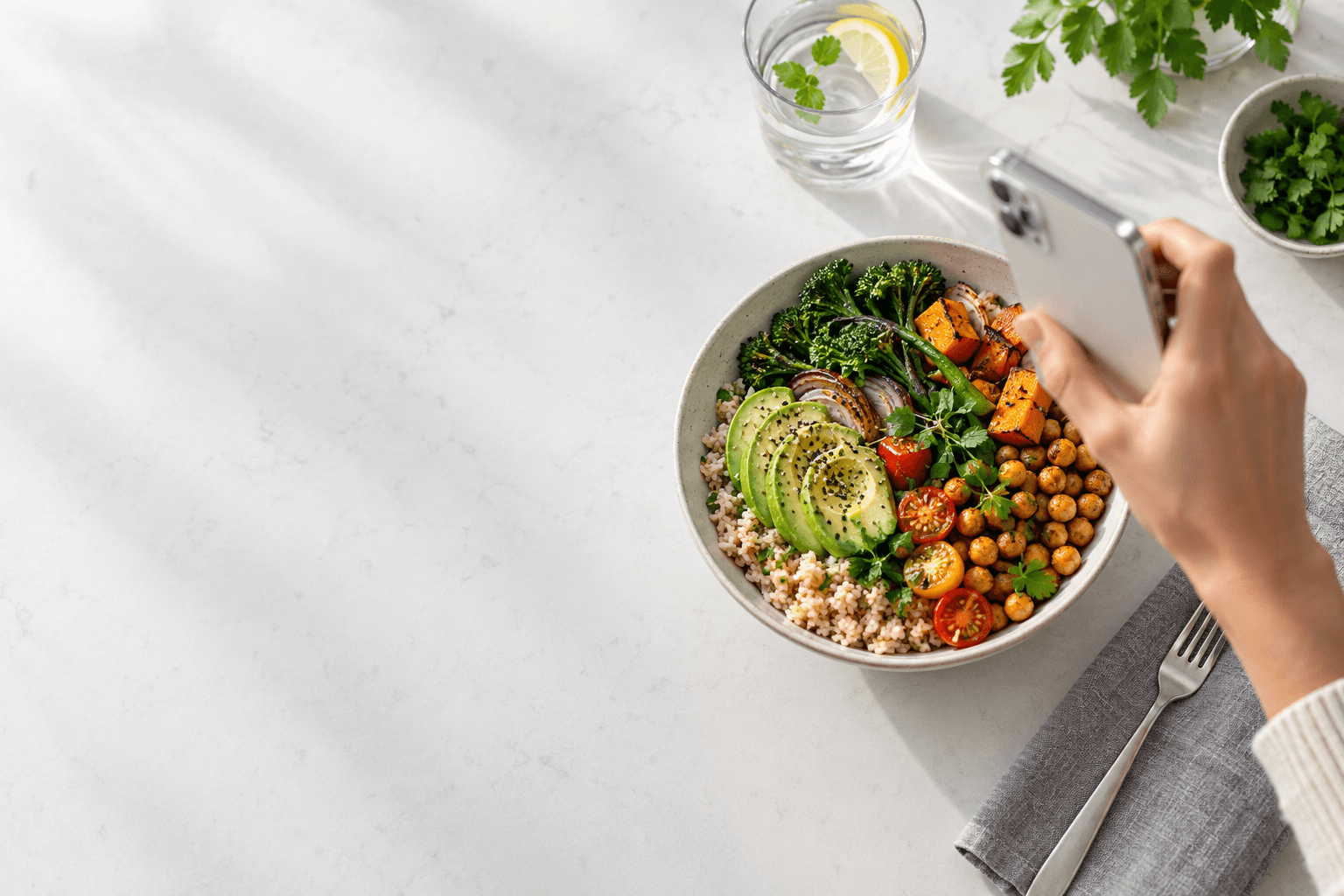
Start with a photo of your meal or packaged food. Add the details a camera cannot see, such as ingredients, preparation, and portion size.
Choose the routines you want to keep in view. Each adds another piece of context.
Photos, portions, and nutrition estimates, reviewed by you before they become part of your day.
Explore featureWater toward your goal; coffee, tea, and other drinks recorded for nutrition and habit context.
Explore featureAn optional way to keep track of eating windows, timers, and the routine you choose.
Explore featureYour personal check-ins alongside your meals, with room for variation from one day to the next.
Explore featurePotential allergen and dietary conflicts can be flagged. Always check ingredients independently.
Explore featureAdd Apple Health context on supported devices, with permission. Logging does not require a connection.
Explore featureA useful wellness tool should make its limits as clear as its features.
Take a photo, review the foods and estimated portions, correct anything that needs changing, and save the entry. Photos cannot reliably reveal all ingredients or preparation methods, so your review matters.
Yes. You can review and correct meal results by voice or text before saving. Nutrition estimates may still be inaccurate or incomplete.
MyCalAgent includes water and beverage logging, fasting windows, and daily habit context. Food and mood check-ins can add your own perspective to a log.
No. The Apple Health connection on supported iOS devices is optional and permission-based. It can add context from steps, sleep, and workouts, with supported nutrition and water sync.
There is no fixed timeline or guarantee. Observations depend on the quantity, consistency, and quality of your logs. Incomplete data may not support an insight, and a repeated association does not establish a cause.
Our Privacy Policy explains data collection and processing. The Security page describes protections, and the AI Disclaimer explains the limits of estimates and observations.
A place for your meals, water, and daily routines.
MyCalAgent is for general wellness and informational use, not medical advice, diagnosis, or treatment. AI estimates and observations may be inaccurate or incomplete. Patterns do not establish cause and effect.
AI DisclaimerTerms of ServicePrivacy Policy